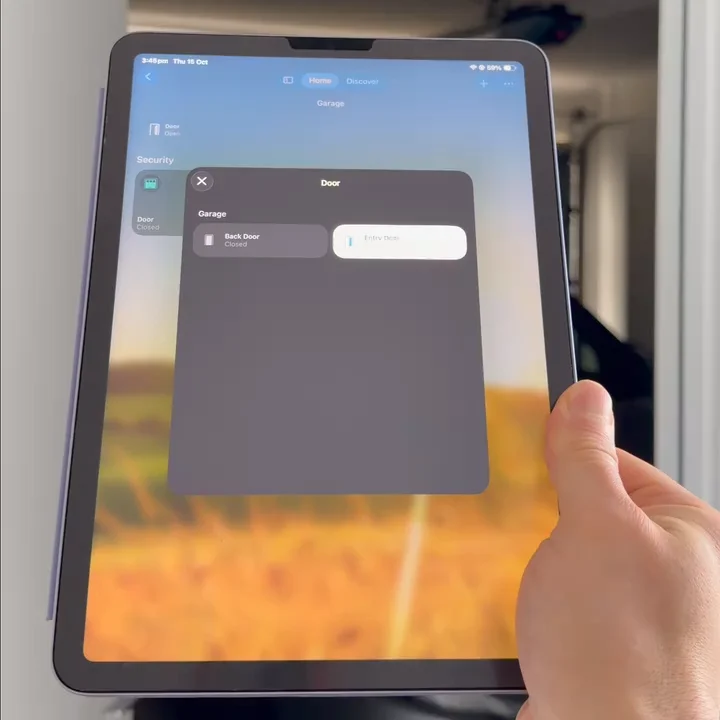
Open the Garage Door When You Walk Into the Garage
An Apple Home automation that opens the garage door when I walk through the garage entry door, but only when I'm home and only between 4:25 and 4:40 am.
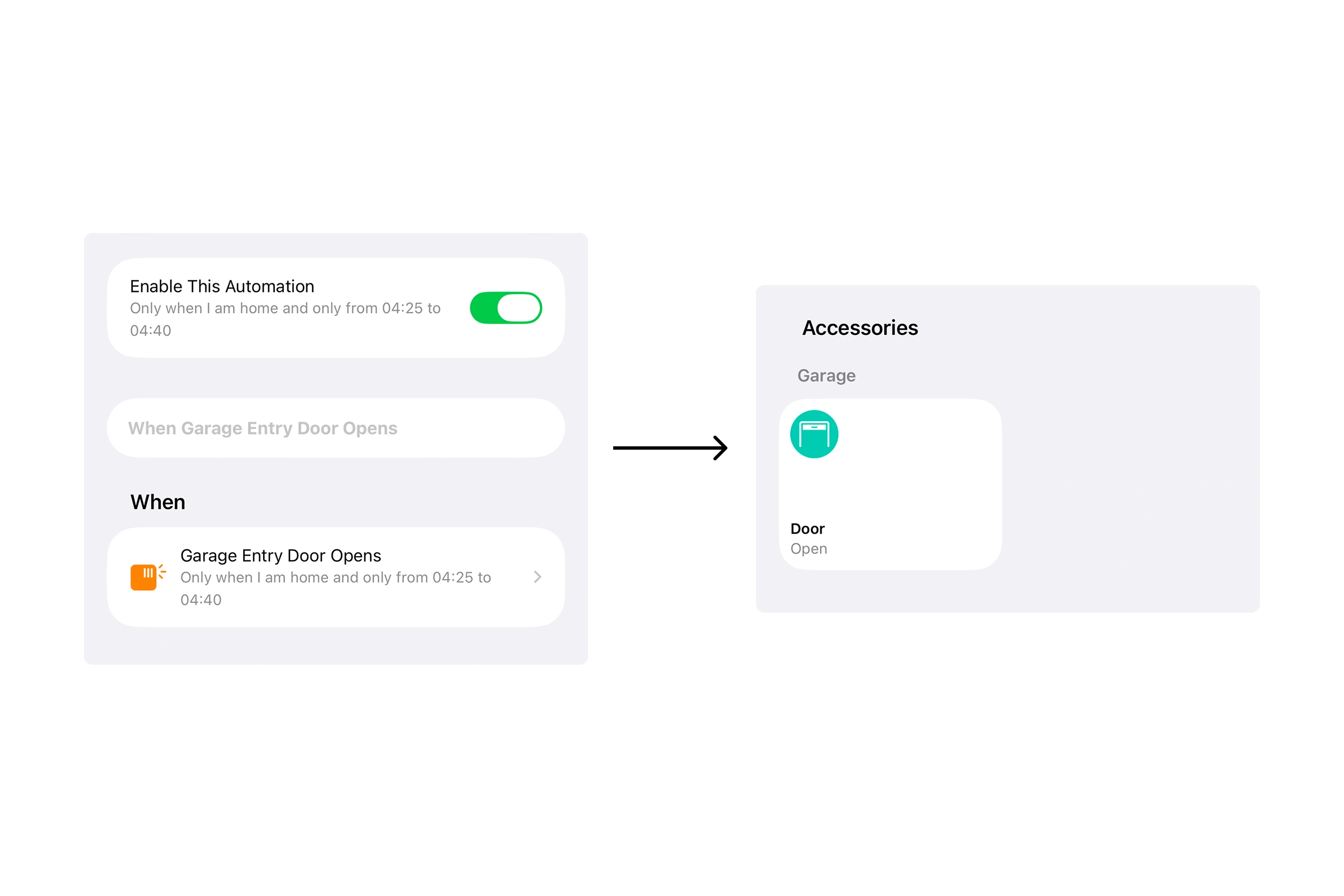
When I open the door from the house into the garage early in the morning, the garage door starts opening on its own. By the time I reach the car, it's already up.
It's one Apple Home automation. An Eve Door & Window Sensor on the garage entry door tells Apple Home when that door opens, and Apple Home opens the garage door in response.
Why it doesn't open at the wrong time
Walking into the garage shouldn't always open the garage door, so the automation has two conditions:
- Only when I'm home. If someone opens the entry door while I'm out, nothing happens.
- Only between 4:25 and 4:40 am. That's when I leave. If I go into the garage at any other time, the garage door stays shut.
What you need
- A door sensor that works with Apple Home. I use the Eve Door & Window Sensor. It runs on Thread, so it doesn't need its own bridge.
- A garage door opener that shows up in the Home app.
- An Apple TV or HomePod set up as your home hub. Automations only run with a home hub. For a Thread sensor like Eve's, the hub needs Thread too, such as a HomePod mini.
How to set it up in the Home app
- Open the Home app, tap +, then Add Automation.
- Choose A Sensor Detects Something, select your door sensor, and choose Opens.
- Under Time, set a custom window for when you leave. I use 4:25 to 4:40 am.
- Under People, choose When I Am Home.
- Tap Next, pick your garage door opener, and set it to Open.
- Name the automation, then tap Test This Automation to check it works.
Want the garage light to come on as well? Add it in step 5, in the same automation.